Splitting a Git Repo in Two, Preserving Commit History
Ever wanted to break up your monorepo and keep the juicy commit history? Here's how to do it, painless.
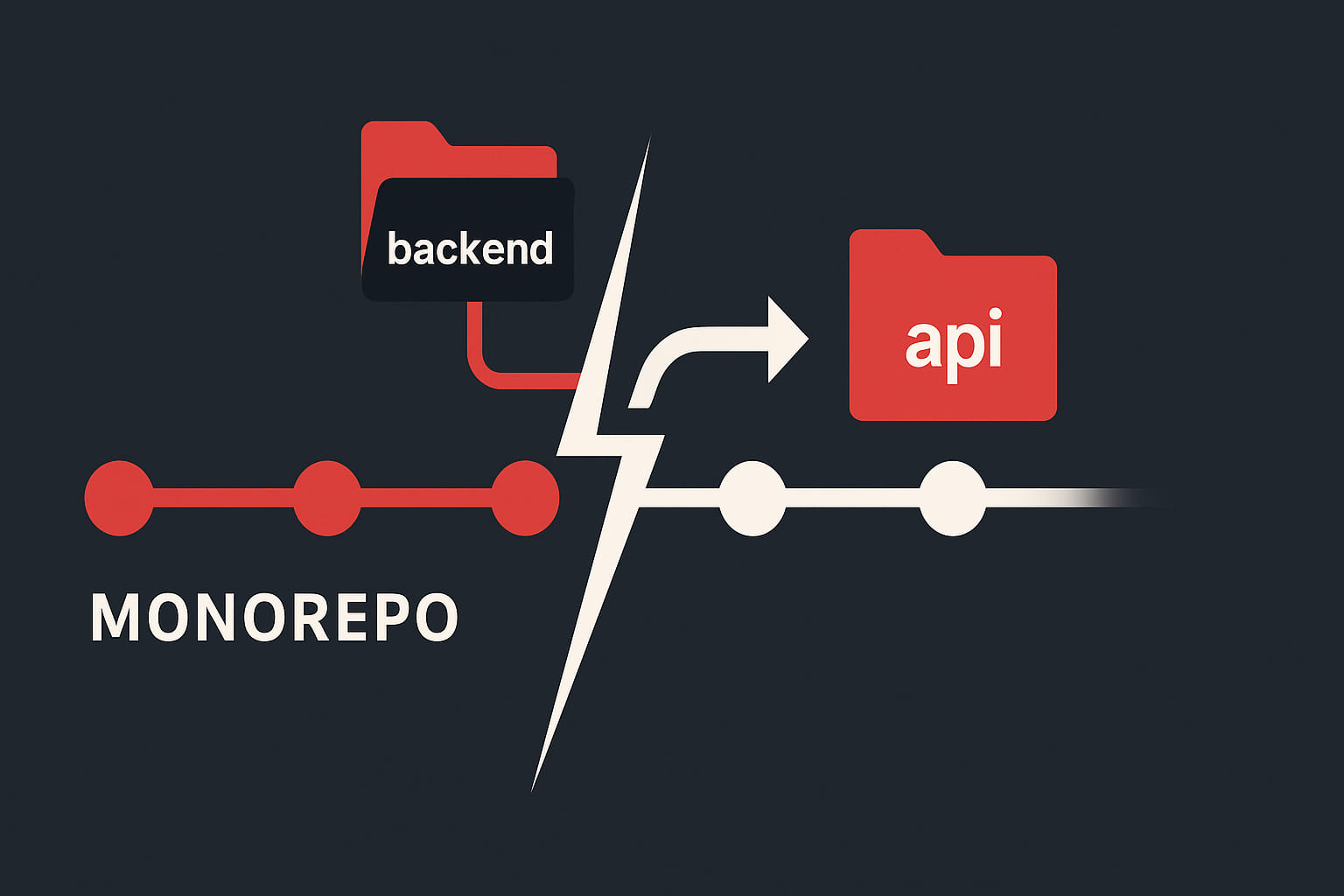
Monorepo getting too crowded? Maybe you want to break out the backend into its own repo, but you don’t want to lose all that commit history. Here’s a straightforward way to do it with git filter-repo—no drama. 🛠️
Why Split a Repo?
Section titled Why Split a Repo?- Decouple frontend and backend development
- Open source just a part of your project
- Archive or sunset a subproject
- Keep things tidy
Example Folder Structure
Section titled Example Folder StructureLet’s say you’ve got a monorepo with a backend folder, and you want to turn it into its own API project.
Before splitting:
monorepo/
├── `backend`/
│   └── ...
├── frontend/
│   └── ...
├── docker-compose.yml
├── README.md
└── ...
After splitting (in the new repo):
api/
├── src/
├── config/
├── public/
├── .env
├── composer.json
├── README.md
└── ...
The backend folder and its contents become the root of your new API repo, with all the commit history preserved.
Prerequisites
Section titled Prerequisites- git filter-repo (
pip install git-filter-repo) - Backup your original repo (just in case you launch the wrong command)
Step-by-Step Guide
Section titled Step-by-Step Guide1. Clone Your Repo (Fresh)
Section titled 1. Clone Your Repo (Fresh)git clone --no-local <path-to-your-repo> <path-to-new-repo>
cd <path-to-new-repo>2. Filter the Subdirectory in the New Repo
Section titled 2. Filter the Subdirectory in the New RepoRun this in your new repo directory:
git filter-repo --subdirectory-filter backendThis rewrites the repo so only the history and files from backend/ remain, and moves them to the root.
NOTE
git filter-repowill remove the remote ‘origin’, so you can add your new remote later.
3. Create a New Repo on GitHub (or elsewhere)
Section titled 3. Create a New Repo on GitHub (or elsewhere)Make a new, empty repo for your API project.
4. Add a Remote and Push
Section titled 4. Add a Remote and Pushgit remote add origin <NEW_REPO_URL>
git push -u origin master5. Move or Copy Root Files and .env
Section titled 5. Move or Copy Root Files and .envMove over any files and environment variables you need from the old monorepo root (like .env, docker-compose.yml, etc.). Update your docs so you (or your teammates) know what’s up.
What Happens to the Old Repo?
Section titled What Happens to the Old Repo?The original repo stays as it is. If you want to keep the history and just remove the backend, delete the backend-related files (backend/, docker-compose.yml, etc.) and commit as usual.
If you want to remove all traces of the backend from history (for open source or legal reasons), run:
git filter-repo --path backend --invert-pathsThis rewrites history and can break your teammates’ local clones, so coordinate before you do it.
- Always work on a backup or a fresh clone when rewriting history
- Tell your team before force-pushing rewritten history
- Check out the git filter-repo docs for more tricks
References
Section titled ReferencesSplitting a repo is a solid move for keeping projects clean and manageable. With git filter-repo, you keep your history and your sanity. 🧑💻